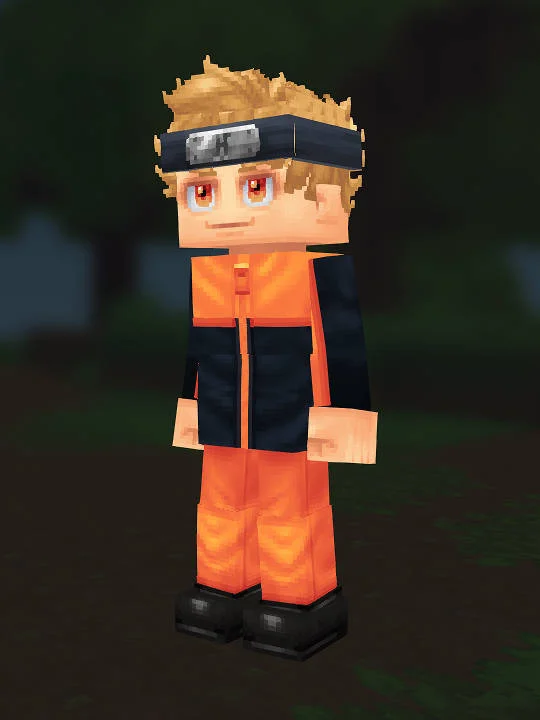
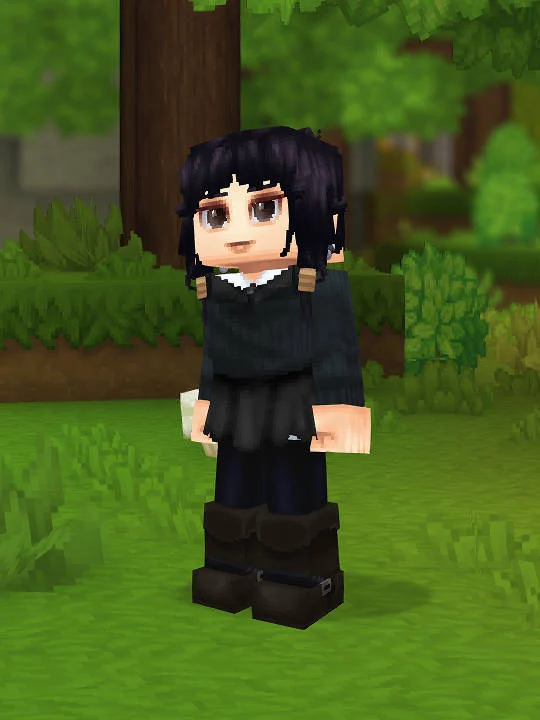
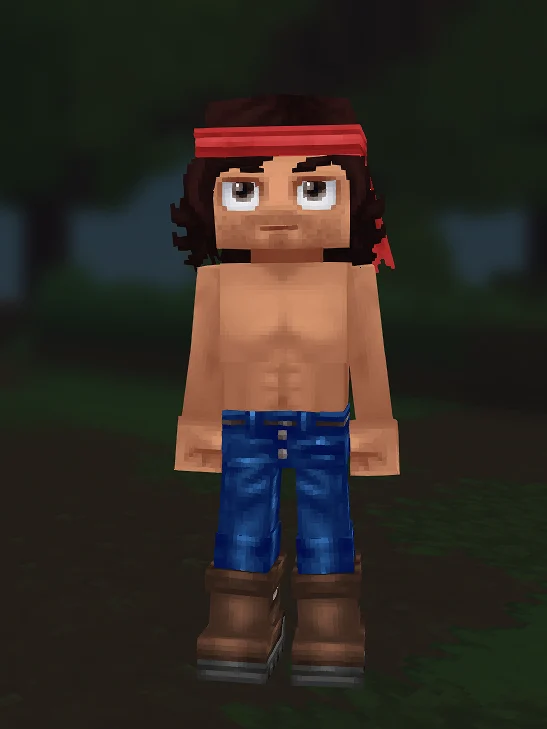
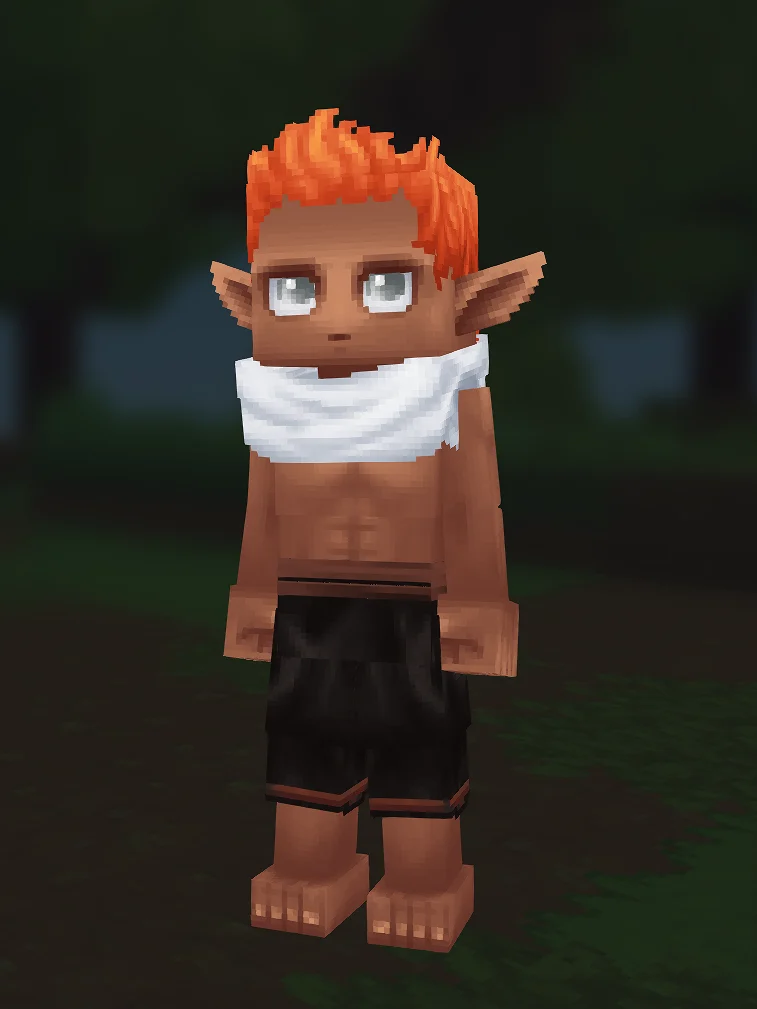
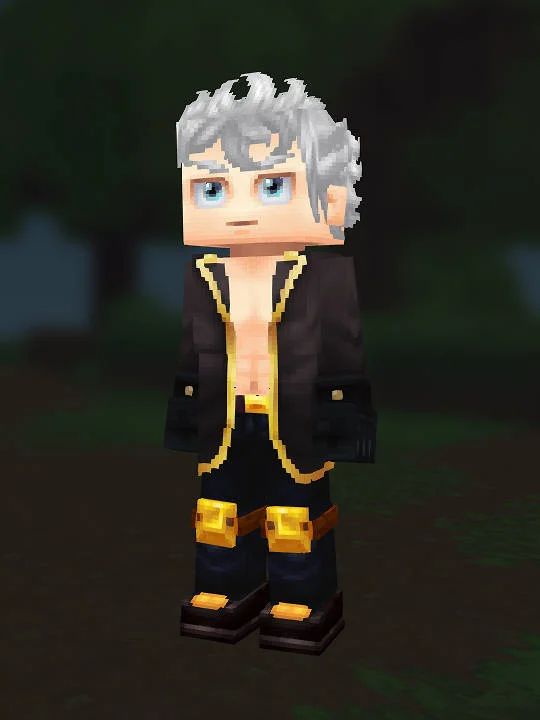
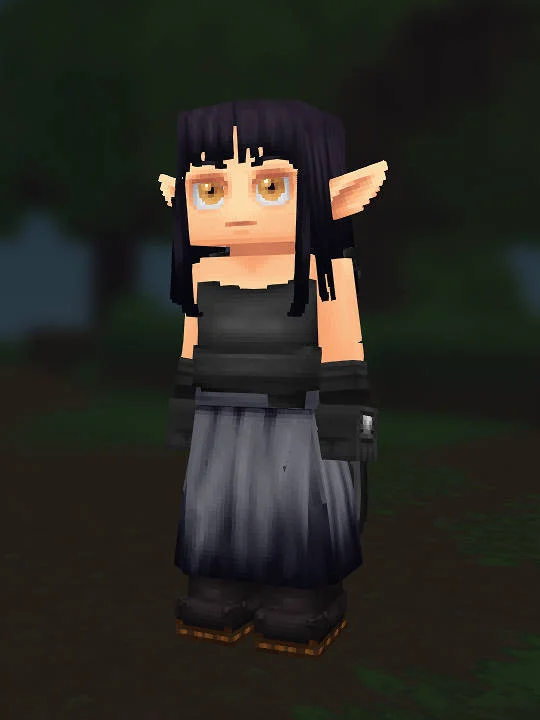
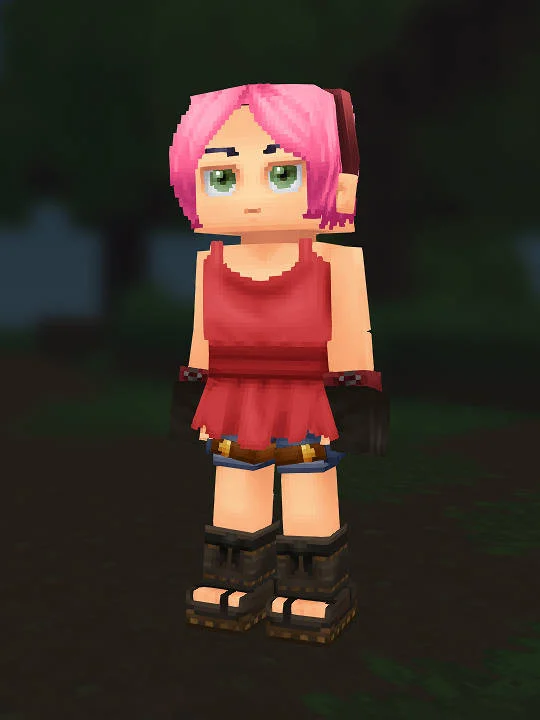
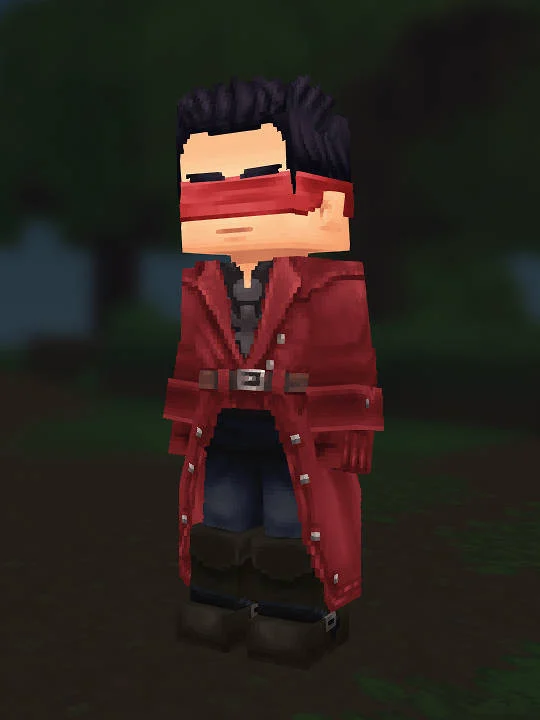
Screenshot evidence
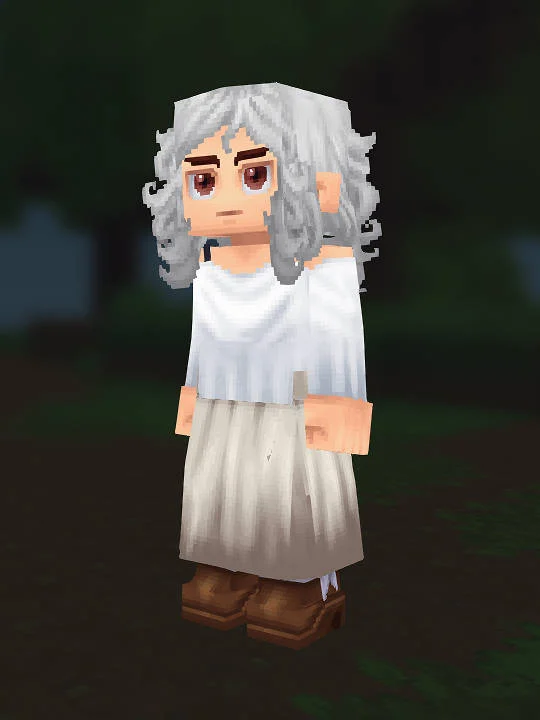
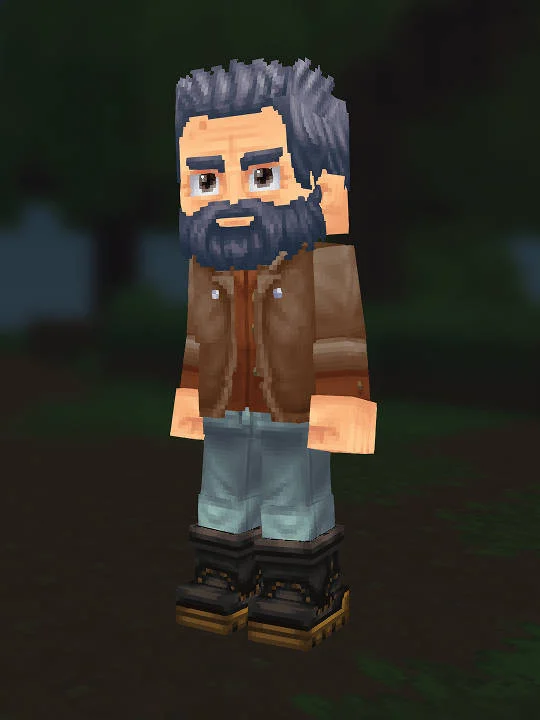
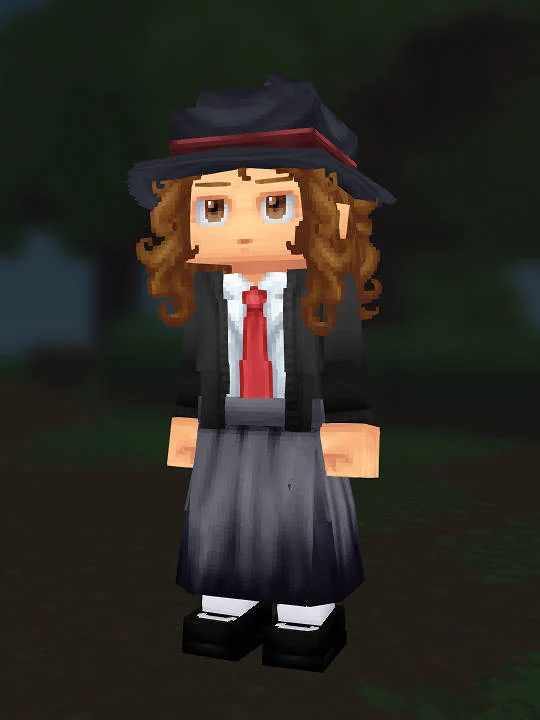
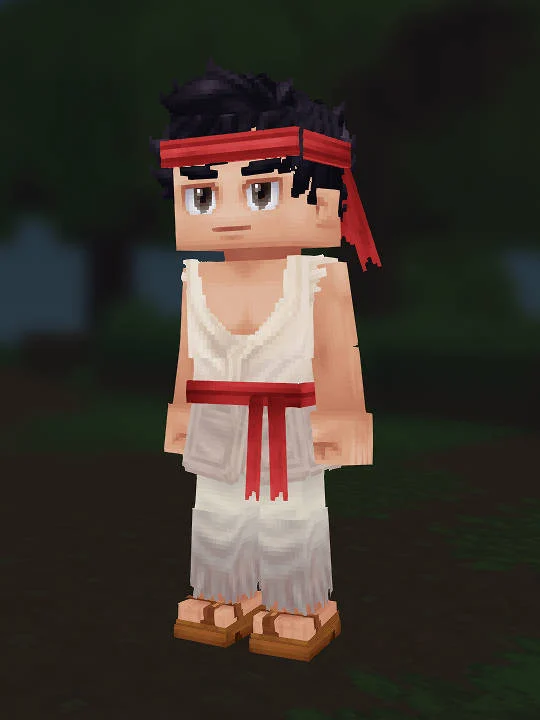
A clear preview lets players judge the silhouette, colors, face, and outfit before they spend time copying the look.
Browse practical Hytale skin and avatar guides, compare clear screenshots, and follow the in-game character creator choices behind each look.
Showing 73–84 of 88 matching recipes from 88 published presets.
Game of Thrones
The Last of Us
Harry Potter
Naruto
The Addams Family
Rambo
Naruto
Hytale Character Recipes is an independent reference library for players shaping an avatar in the in-game editor. Browse Hytale skins and outfit ideas, compare the previews, then open a page to see the choices and tradeoffs that make each look recognizable.
Each entry opens a substantial editorial collection with its own canonical URL, review criteria, recreation advice, and the current public-ready recipes from the archive.
Hair silhouette, face contrast, and costume color matter more than tiny accessory matches.
Explore Anime collectionRecognizable outfits, tools, and era-specific palettes help the build read quickly in Hytale.
Explore Games collectionThe archive favors readable costumes and source notes over vague celebrity likeness claims.
Explore Movies collectionEvery published page should help another player make a better avatar, not merely attach a familiar name to an image.
A clear preview lets players judge the silhouette, colors, face, and outfit before they spend time copying the look.
Options follow the order of the in-game editor, making the build practical to reproduce by hand.
Recipe JSON records the choices for reference while you recreate the look manually in the in-game editor.
Editor notes identify the details that carry the likeness and explain what the available cosmetics cannot reproduce.
Open the in-game character creator, match the broad silhouette first, then follow the recipe sections for head, body, outfit, colors, and final adjustments.
Start with the in-game appearance editor, not a file import.
Use the creator path to move through head, face, body, and outfit choices.
Compare the screenshot and notes before refining smaller details.
Have a clear recipe, screenshot, and source note? Send it for editorial review before it enters the archive.
Cosmetic names, colors, and appearances can change between game updates. These official notes document changes that can affect how you follow a recipe:
Check each recipe's own update date and notes, then compare its reference image with the options available in your game version.
Maintained by molith. Read our editorial policy or report a correction.
Homepage updated: