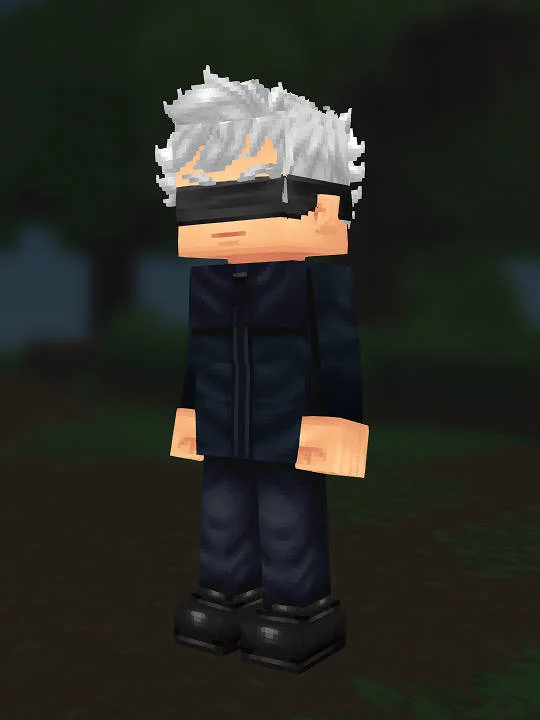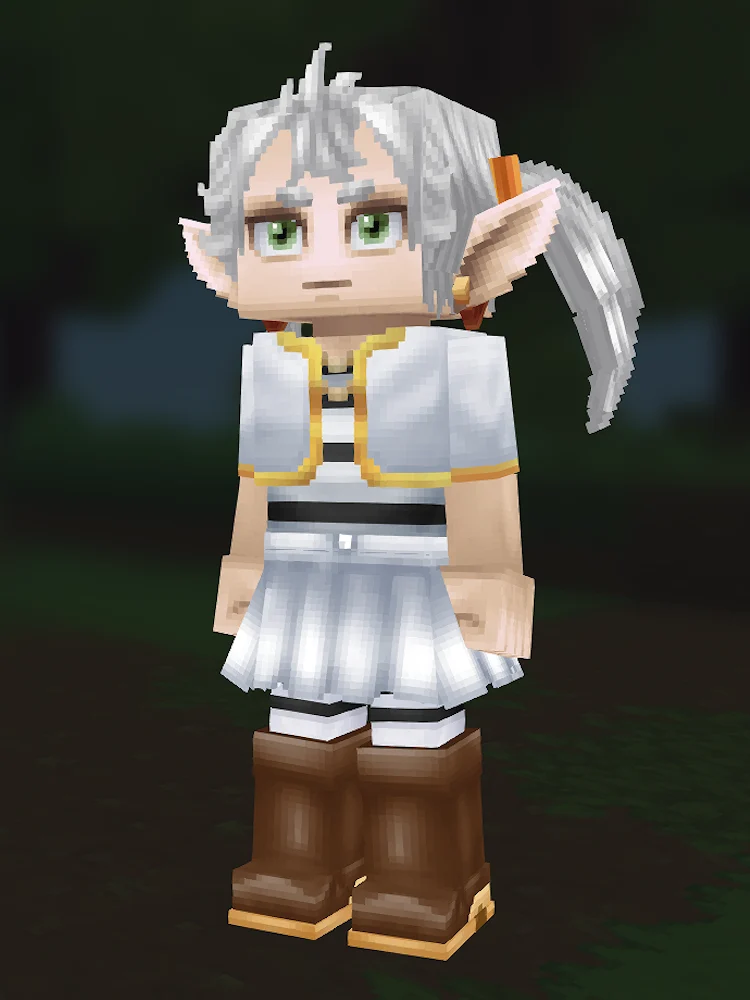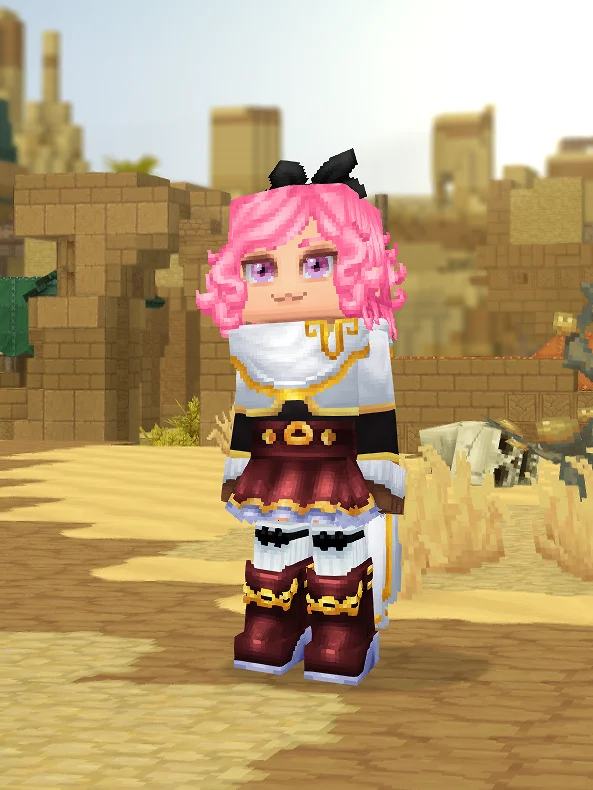
This Hytale skin recipe helps you recreate this character in the creator. Follow our step-by-step guide with exact settings for head, body, and outfit options. This build is based on Piapro Studio NT. Match the silhouette, core color palette, and standout accessories first, then refine the smaller details.
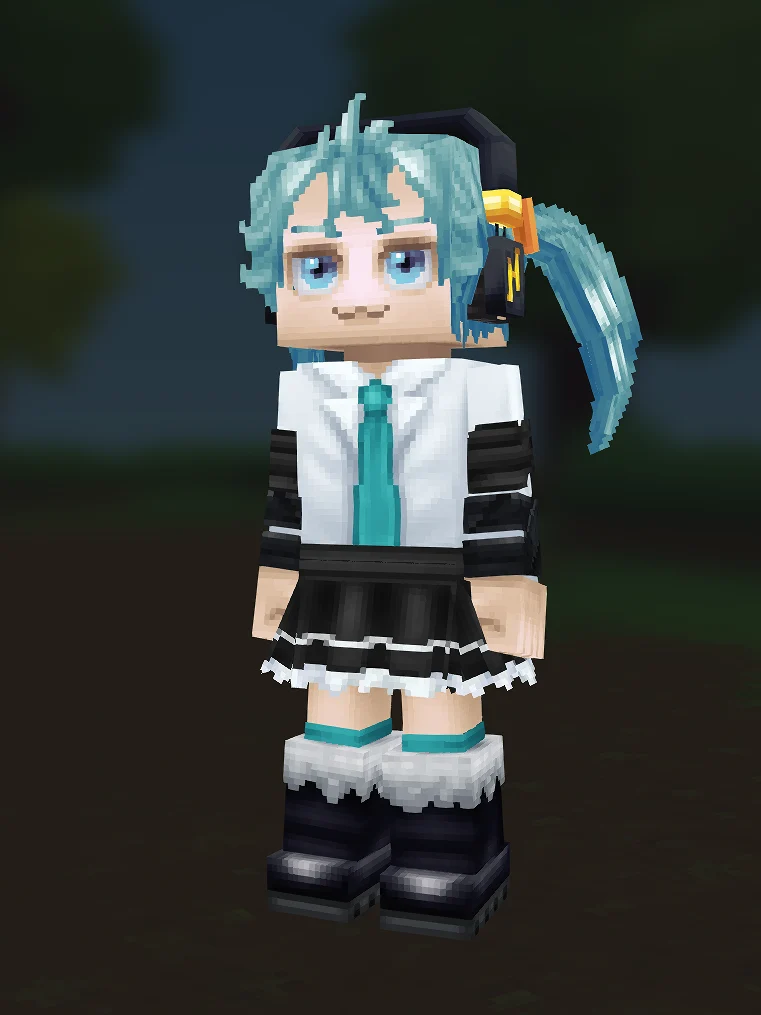
The current cover sells Hatsune Miku through Twintails in BlueLight, matching blue brows and eyes, black Headphones, a white shirt with Turquoise tie, black sleeve bands, black skirt, and teal leg accents. The side hair mass is the first thing to protect.
The screenshot shows one twin-tail side much more clearly than the other. That is acceptable for the current page, but the copy should explain the build from the recipe and the visible image together. If a future cover is recaptured, make both twin tails readable so the card does not depend on one side.
Piapro identifies Miku with a blue-green image color, so the Hytale version should stay in that family. The Shirt and Tie in Turquoise, Wraps in Turquoise, and BlueLight hair should feel coordinated. Avoid pushing the palette into plain blue or neon green unless a variant is clearly labeled.
The Rough Fabric Band, black sleeve bands, Frilly Skirt, and black boots stop the white shirt and teal hair from becoming too soft. Miku needs that digital idol contrast. If everything becomes pale, the avatar loses the Vocaloid-like stage read.
The recipe cannot reproduce ankle-length twin tails, exact digital sleeve panels, headset shape, microphone, or stage lighting. The practical Hytale version wins by keeping hair shape, tie color, sleeve contrast, skirt, and boots clean in a small thumbnail.
Fix hair color and twin-tail visibility before touching the skirt. If the build looks like a generic school outfit, strengthen the tie and headphone read. If it looks too busy, simplify extra bands but keep black sleeve contrast because it frames the arms.
Miku should remain recognizable even when the twin tail is partly cropped. The blue-green hair, teal tie, black headphones, and black skirt need to form a compact icon. If the card only shows a pale shirt and blue hair, the avatar may read as any anime singer. A better angle with both hair tails would improve this page later.
Keep `Twintails (BlueLight)` and `Headphones (Black)` locked before testing alternate shirts. The tie and sleeve contrast are the second layer. The skirt and leg wraps come after that. This order helps builders avoid the common mistake of over-tuning the lower body while the head no longer reads as Miku.
A brighter concert Miku could make teal accents stronger. A software-box or NT-inspired version could be cleaner and more muted. This page should stay with the white-shirt, teal-tie, black-skirt look visible in the live cover.
Fan-made recreation inspired by Piapro Studio NT. Character names and source IP belong to their owners; this is not official Hytale content.
1 preview image support the silhouette, palette, face, outfit, and limitation review.
The recipe JSON is preserved for inspection as structured reference data, not as a game import or install file.
The steps below translate recipe tokens into the Hytale creator sections a player follows by hand.
The editor notes explain where Hytale needs approximations and which visual cues should survive first.
Last recorded content update: 2026/05/24. Treat this as the current review signal until a dedicated review-date field exists.
Create Hatsune Miku in Hytale with blue-light twintails, headphones, teal tie, white shirt, black skirt, sleeve bands, and twin-tail tuning notes.
Use the editor notes and screenshot evidence to judge where Hytale approximates the source. A page should not claim perfect likeness when the creator only supports a manual recreation path.
Treat major hair, palette, outfit, or source-version changes as variations. The strongest revisions explain what improved and which original identity cues still need to survive.
Tweaked the hair, palette, or outfit pieces to get closer to the reference? Submit your variation for editorial review.