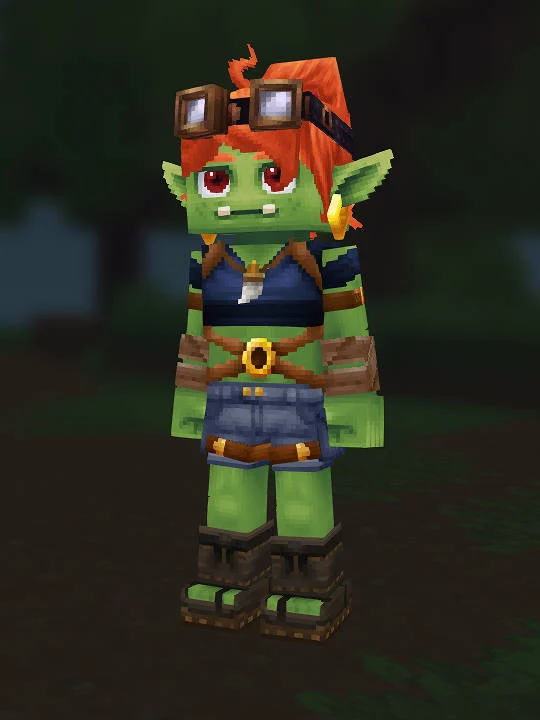
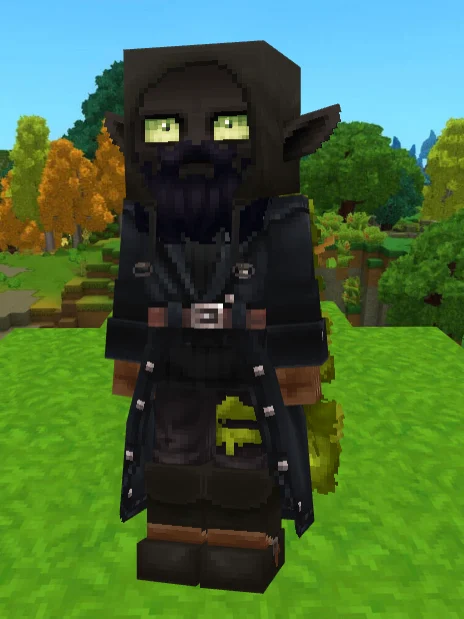
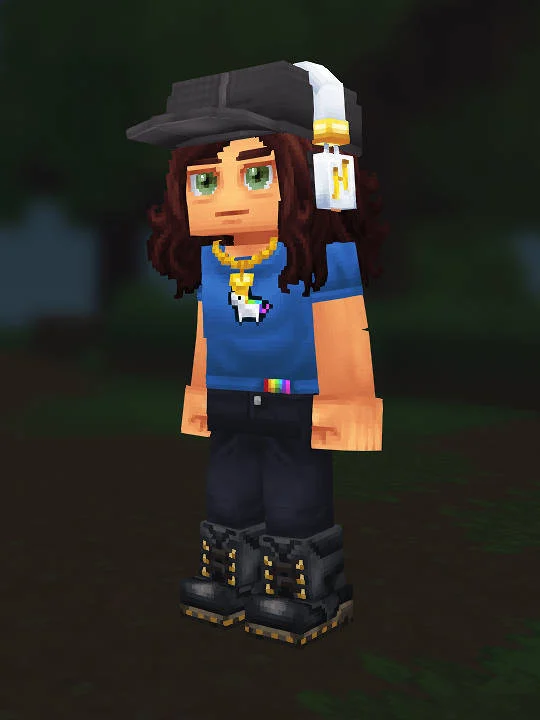
Tree is an original, fan-submitted Hytale character recipe built around a forest-explorer look. The player screenshot shows a compact adventurer silhouette: oversized turquoise-lensed Explorer Goggles sit above black Emo hair, a turquoise Bannerlord cape frames the shoulders, and a warm brown-red Voyager jacket anchors the torso. This is a manual Character Creator guide based on the submitted screenshot and JSON, not an official Hytale character, downloadable skin, or one-click import.
The strongest recognition cue is the color hierarchy. The gold-brown goggle frame and bright turquoise lenses draw attention to the face, while the turquoise cape repeats that accent across the shoulders and down the left side. The jacket and medium-brown gloves keep the middle of the body warm; the red-and-white Striped Long undertop adds a clear vertical center line; dark blue Forest Guardian pants and brown Arctic Scout Boots ground the lower half. Preserve these large color blocks before fine-tuning smaller facial choices.
Start the Tree Hytale build with Default body characteristic 15, the Default ears, and Face Make Up Highlight. Add Mouth Thin, Round Thin black eyebrows, and Square Eyes in Brown Dark. Set Emo.Black hair before judging the expression because the long fringe covers part of the forehead and creates the asymmetrical face framing visible in the screenshot. Facial hair, face accessory, ear accessory, and skin feature are intentionally unset, so leaving them empty is part of the recipe rather than missing data.
Build clothing from base to outer layer: Boxer.Black, Forest_Guardian.Blue pants, StripedLong.Red undertop, Jacket_Voyager.Red overtop, then Arctic_Scout_Boots.Brown. The undershirt provides the red-and-white stripe visible at the center of the open jacket, while the jacket supplies most of the orange-brown torso mass and red collar and cuff accents. The pants should remain darker and cooler than the jacket so the upper-body equipment stays dominant. Overpants are unset.
Finish with ExplorerGoggles.Turquoise, Gloves_Medium_Featherbound.BrownSemiLight, and Cape_Bannerlord.Turquoise.Neck_Piece. In the screenshot, the cape token reads partly as a broad scarf or shoulder wrap, so compare both the turquoise neck block and the hanging side panel instead of expecting a traditional full-length cape. The goggles are the best final alignment check: their bright lenses should sit cleanly over the black hair without losing the warm frame around them. Gloves and boots repeat the practical explorer tone without competing with the turquoise focal accents.
Use a front view and neutral lighting for the first pass. Confirm the face and hair, then torso layers, legs, and accessories; change only one section at a time. Hytale lighting can make turquoise appear greener or make the red jacket warmer, so keep the recorded tokens as the baseline before substituting a nearby color. If a future Character Creator update renames an item, choose the closest silhouette and palette match while retaining this recipe as the historical reference.
The recipe contains 15 populated creator slots and five deliberate omissions. Its value is reproducibility: the screenshot provides the visible target, the step list keeps the menu order clear, and the raw JSON lets players verify every token. Because Tree is an original submission rather than an adaptation of an established franchise character, the guide focuses on the design language visible in this one approved player capture. It does not claim other official versions, lore, or creator intent beyond the supplied image and settings.